⭐⭐⭐⭐⭐ #1 Secure 3D DAM Solution
3D Digital Asset Management Powered by echo3D
Organize, preview, and reuse 3D models, renders, and textures across projects — all in one secure, centralized system.
How echo3D Simplifies 3D Content Management
echo3D turns your 3D model library into a structured, searchable system where assets are always easy to find, preview, and approve.
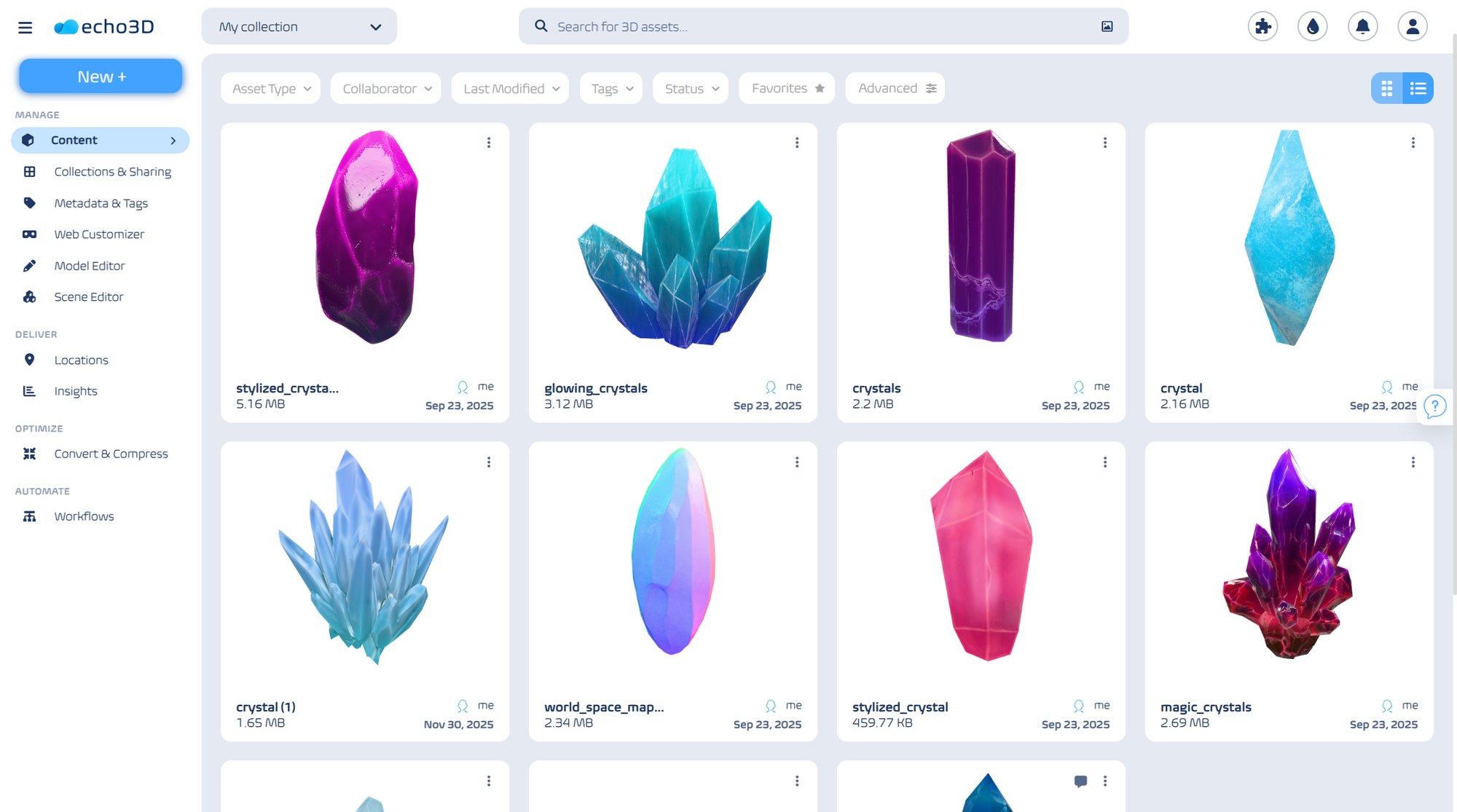
Instant Previews for Your 3D Assets
- No more guessing from file names or waiting for heavy 3D software to load.
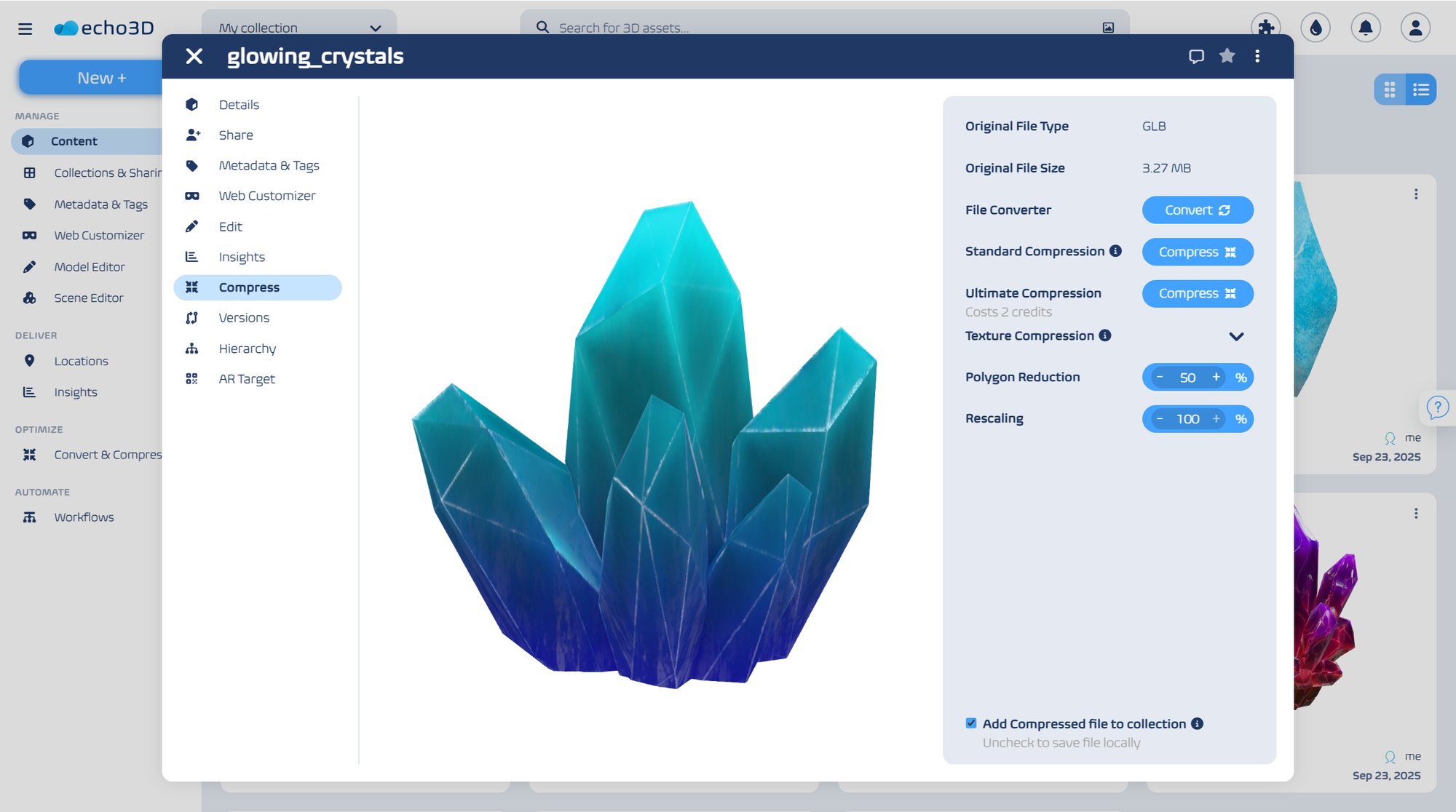
- echo3D automatically generates high-resolution thumbnails and 3D previews for formats like Blender, 3ds Max, Cinema 4D, FBX, and other popular 3D model types — so your team can instantly view and identify the right files directly in echo3D.
360° Model Viewer
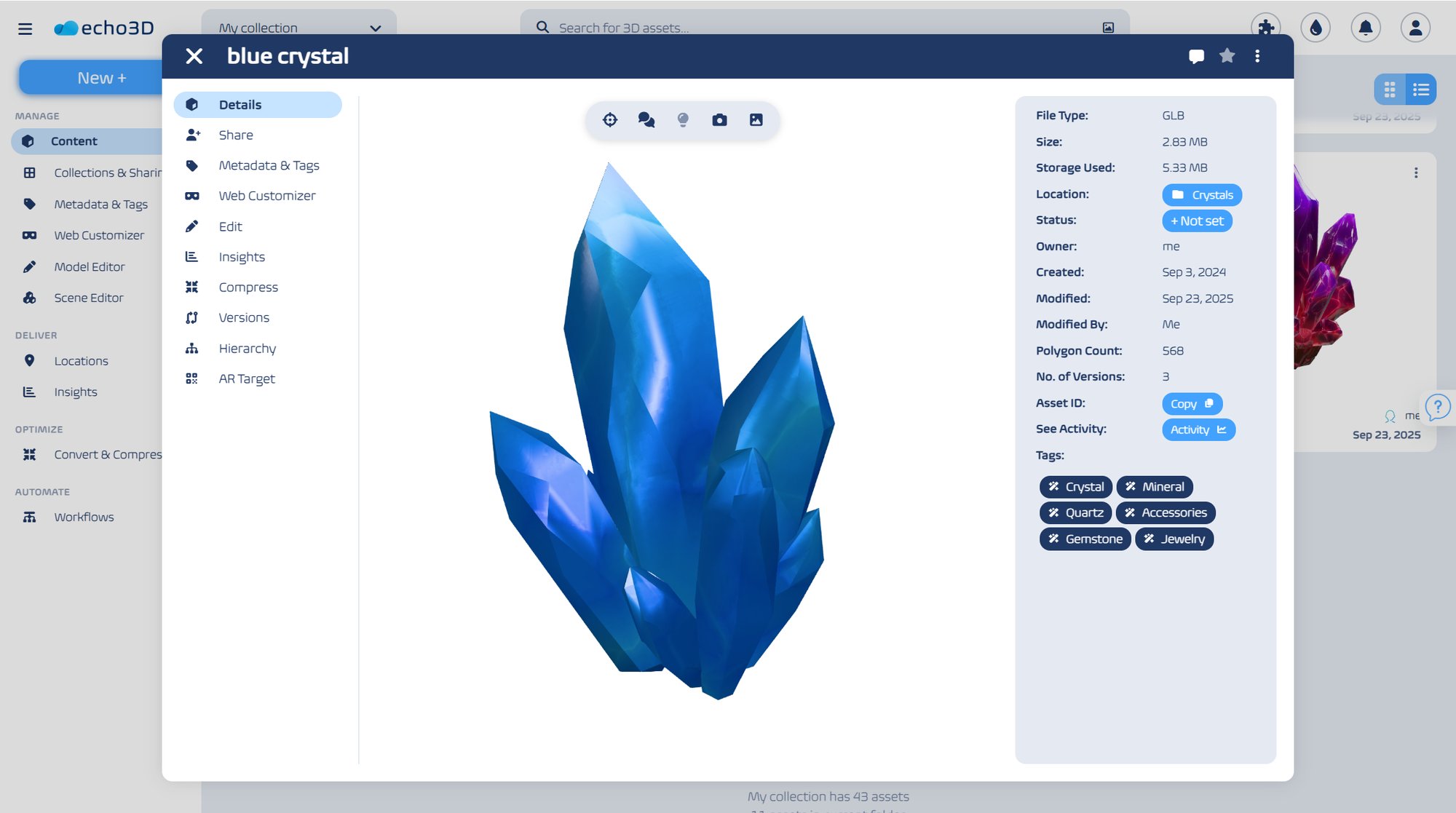
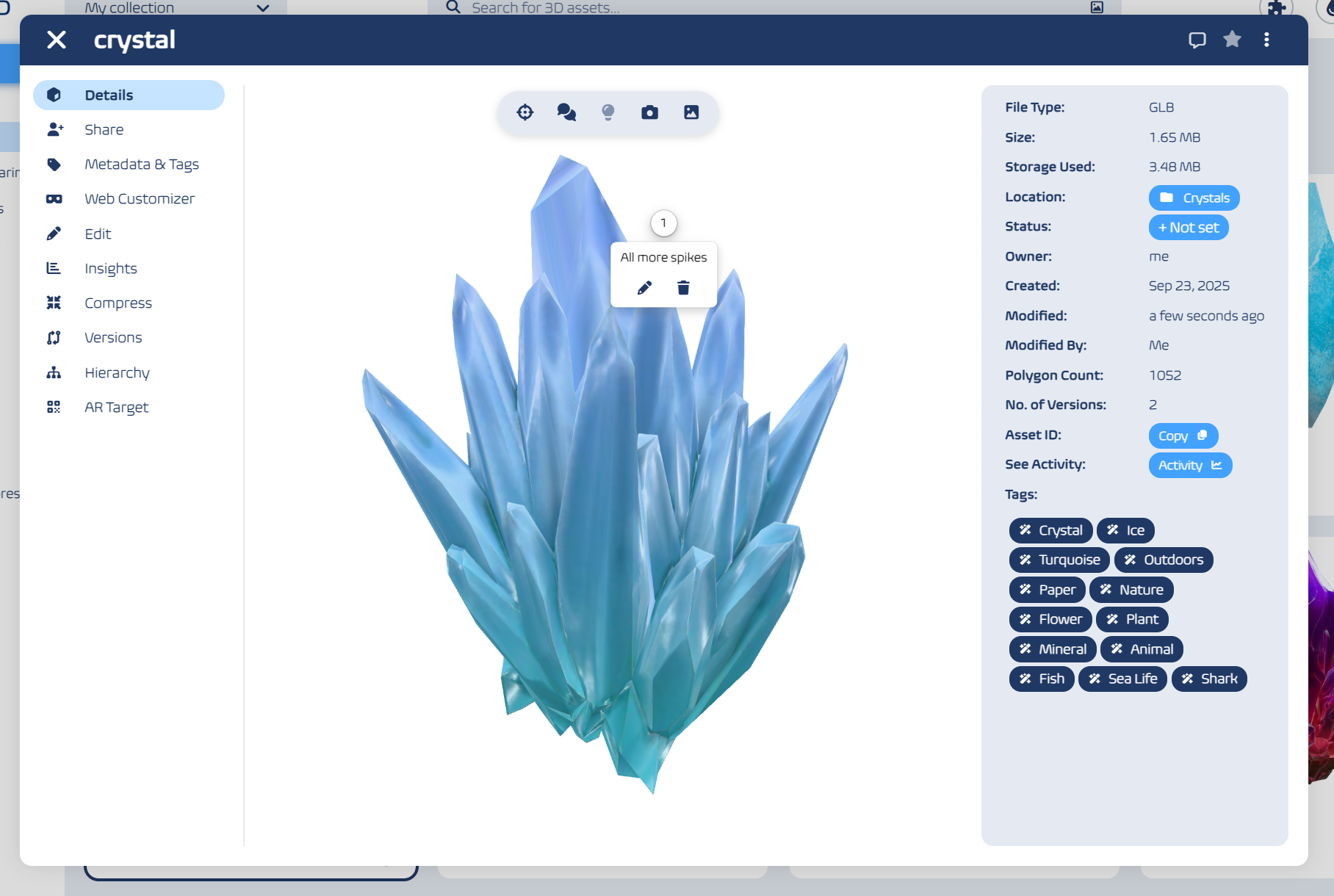
- Give your team and clients a complete view of every model. Rotate, zoom, and inspect assets directly in echo3D — perfect for internal reviews, client approvals, or portfolio showcases without extra software.
Version Control Without the Chaos
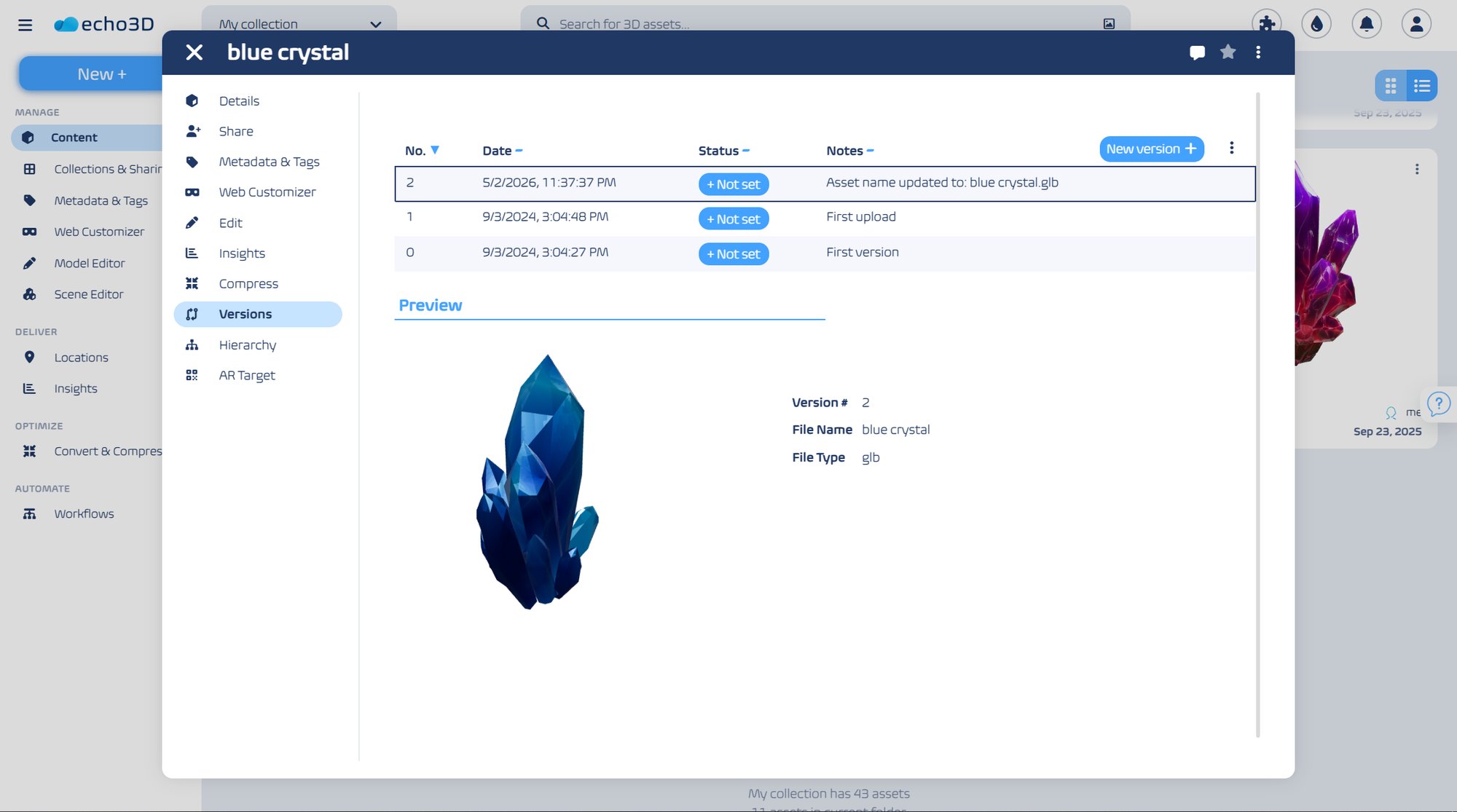
- Keep everyone aligned on which version is final. echo3D’s approval workflows ensure only authorized 3D assets move into production or client demos.
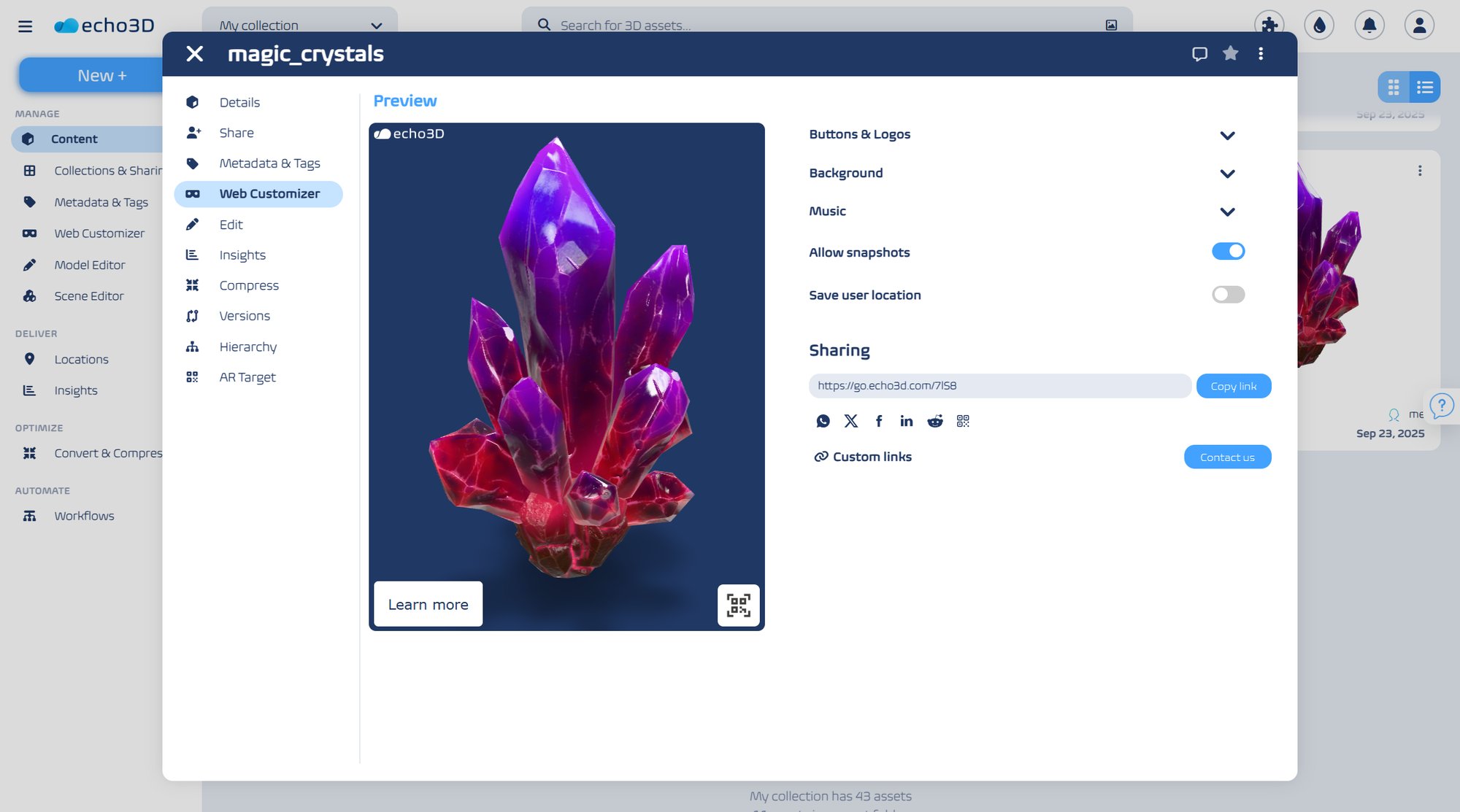
Support for 150+ File Formats
- Beyond 3D models, echo3D keeps related video, audio, textures, and other files organized and searchable in one hub.
Full Data Ownership with On-Prem 3D Digital Asset Management
- All files stay on your servers and are never shared with third parties.
- Zero reliance on the Internet: Teams stay productive even in remote or offline environments.
- No rising cloud fees or hidden markups — just one transparent license for your entire 3D archive.
3D Digital Asset Management That Fits Every Workflow
From architecture to animation, echo3D helps creative and technical teams manage 3D content efficiently, securely, and at scale.
- Design & Creative Agencies: Centralize 3D models, textures, and renders in a single library for fast reuse across projects and client portfolios.
- Animation Studios: Store and preview high-resolution models, textures, and animation assets without overloading production software. echo3D makes collaboration smooth and approvals faster.
- Game Development Studios: Keep game assets organized across versions, from concept models to production-ready files, and prevent mix-ups during rapid iteration.
- Architecture & Engineering Firms: Manage 3D visualizations, CAD models, and inspection visuals in one secure on-premise hub accessible to your entire team.
- Marketing & Visualization Teams: Quickly find 3D visuals for campaigns, demos, and client presentations — ensuring consistent, polished results every time.
Frequently Asked Questions
Find answers about echo3D’s 3D digital asset management capabilities, scalability, and secure deployment option.
Can echo3D preview and manage large 3D files?
Yes. echo3D’s preview engine efficiently handles large models, renders, and texture folders — even multi-gigabyte files. Caching and optimized indexing keep browsing fast and responsive.
Can echo3D preview 3D models without extra software?
Absolutely. echo3D automatically generates high-quality thumbnails and provides a 360° model viewer for formats like Blender (.blend), Cinema 4D (.c4d), 3ds Max (.max), FBX (.fbx), and more
Can I tag or organize 3D assets by project, material, or client name?
Yes. You can use custom tags, metadata fields, and controlled vocabularies so everyone searches and categorizes assets the same way.
Can echo3D migrate existing 3D libraries from network drives or other DAM systems?
Yes. You can import your entire library — including folders, metadata, and previews — from shared drives or other DAM solutions without losing structure.
Can echo3D be accessed remotely by distributed teams?
Yes. Remote users can connect securely through VPN in on-premise setups, or use a cloud deployment for easier access across distributed teams.
How much IT involvement is needed to deploy echo3D?
Minimal. Setup is quick with our support team, and once running, echo3D requires very little ongoing maintenance.
Can echo3D link or reference 3D files stored on a NAS?
Yes. echo3D indexes existing storage locations without duplicating data, so you can manage assets directly from your NAS while keeping storage efficient.
Can access to 3D files be restricted by department or project?
Yes. echo3D’s role-based access control lets you define user groups, permissions, and visibility per project or department.
Is echo3D suitable for confidential or NDA-protected 3D projects?
Absolutely. With on-premise deployment, all data stays within your infrastructure — never shared with third parties — making echo3D ideal for sensitive, confidential, or client-restricted work.
Let’s Explore Your 3D Asset Management Needs
Curious how echo3D can simplify your workflows? Schedule a call with our DAM experts and see it in action.