Take Control of Your Spatial Assets with Our Advanced 3D Model Editor
Store, secure, optimize, and edit your 3D content in one collaborative platform.
Make real-time adjustments to textures, modify materials, and tweak animations directly in the cloud—no heavy desktop software required.
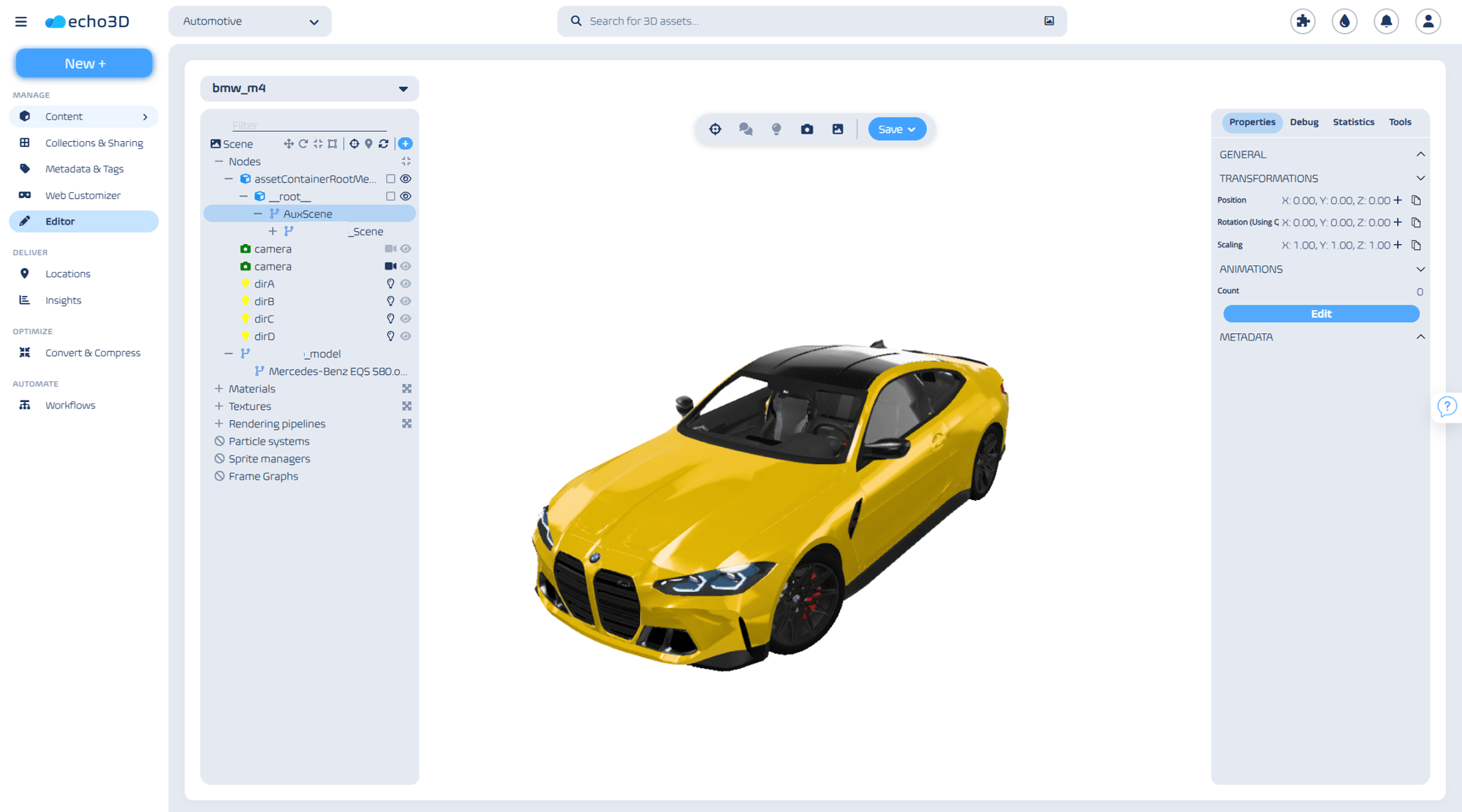
A Seamless Editing Experience for Your Entire Team
Managing the lifecycle of 3D content shouldn't require sending massive source files back and forth just to change a single color. Our built-in 3d model editor empowers creators, designers, and product managers to make crucial visual adjustments on the fly. Transform 3D models and edit their textures, color, lighting settings, and other attributes. Structure 3D scenes, and merge assets together.
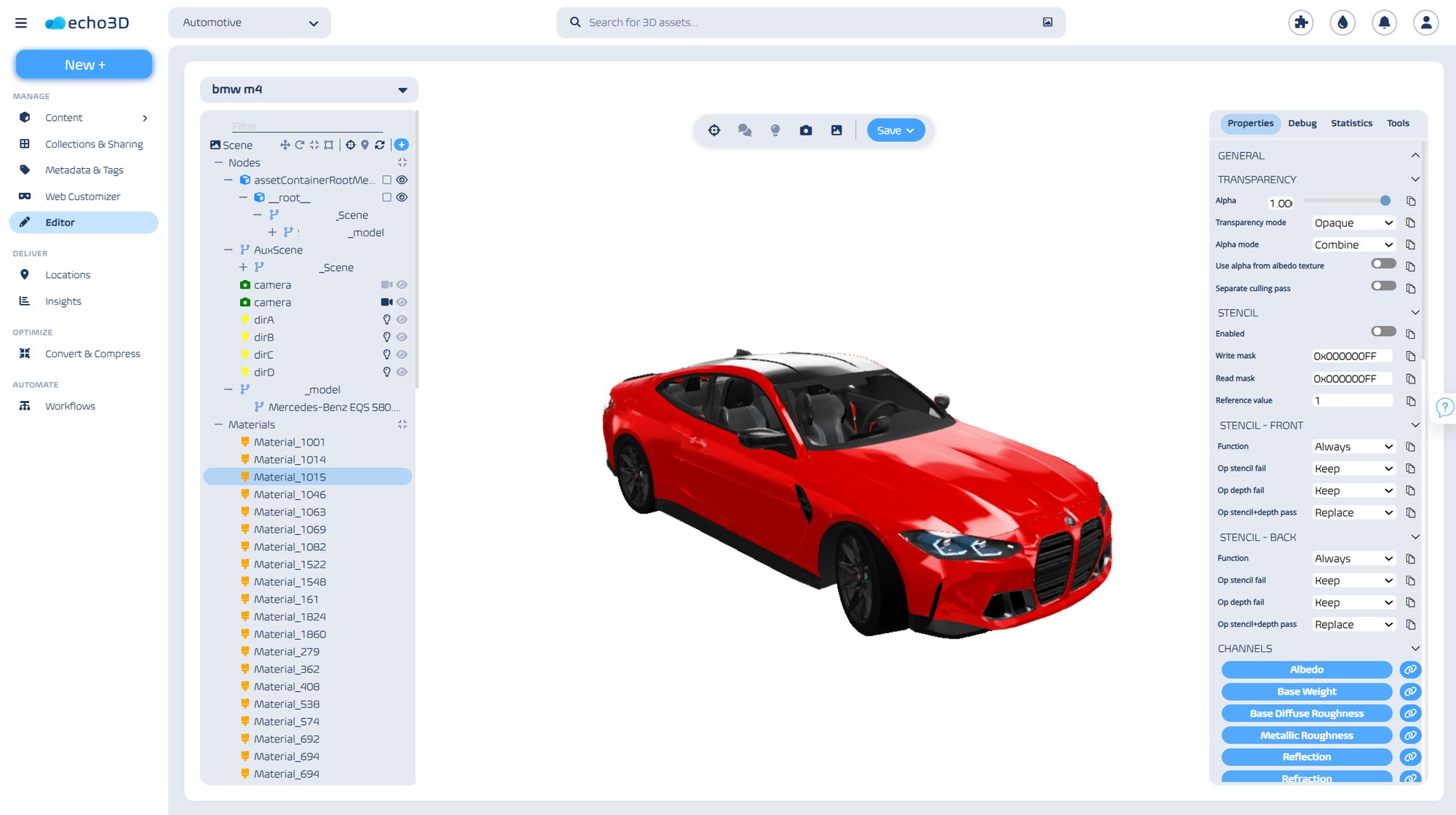
- Powerful In-Browser Adjustments: Need to swap a texture map or adjust how a surface reacts to light? Use our intuitive model editor to fine-tune materials and preview complex animations instantly, ensuring your digital twins and spatial assets look perfect before deployment.
- The Ultimate GLB Editor: Built from the ground up for modern spatial computing and web AR workflows, our tool excels as a lightning-fast glb editor. Make your changes and immediately deploy lightweight, optimized models across any device or headset.
- Centralize Your Pipeline: Editing is just the beginning. We provide the enterprise-grade infrastructure your team needs to store, secure, and globally share your 3D content.
Streamline Your 3D Workflow
- Centralize Your Assets: Upload your 3D files to your secure, shared team workspace.
- Edit in Real-Time: Open the asset in the browser to adjust lighting, modify textures, or trigger animations.
- Share & Deploy: Instantly generate a link or integrate the updated asset directly into your application via API. Any changes made in the editor automatically update across all live deployments.
Built for Teams Moving at the Speed of Spatial Computing
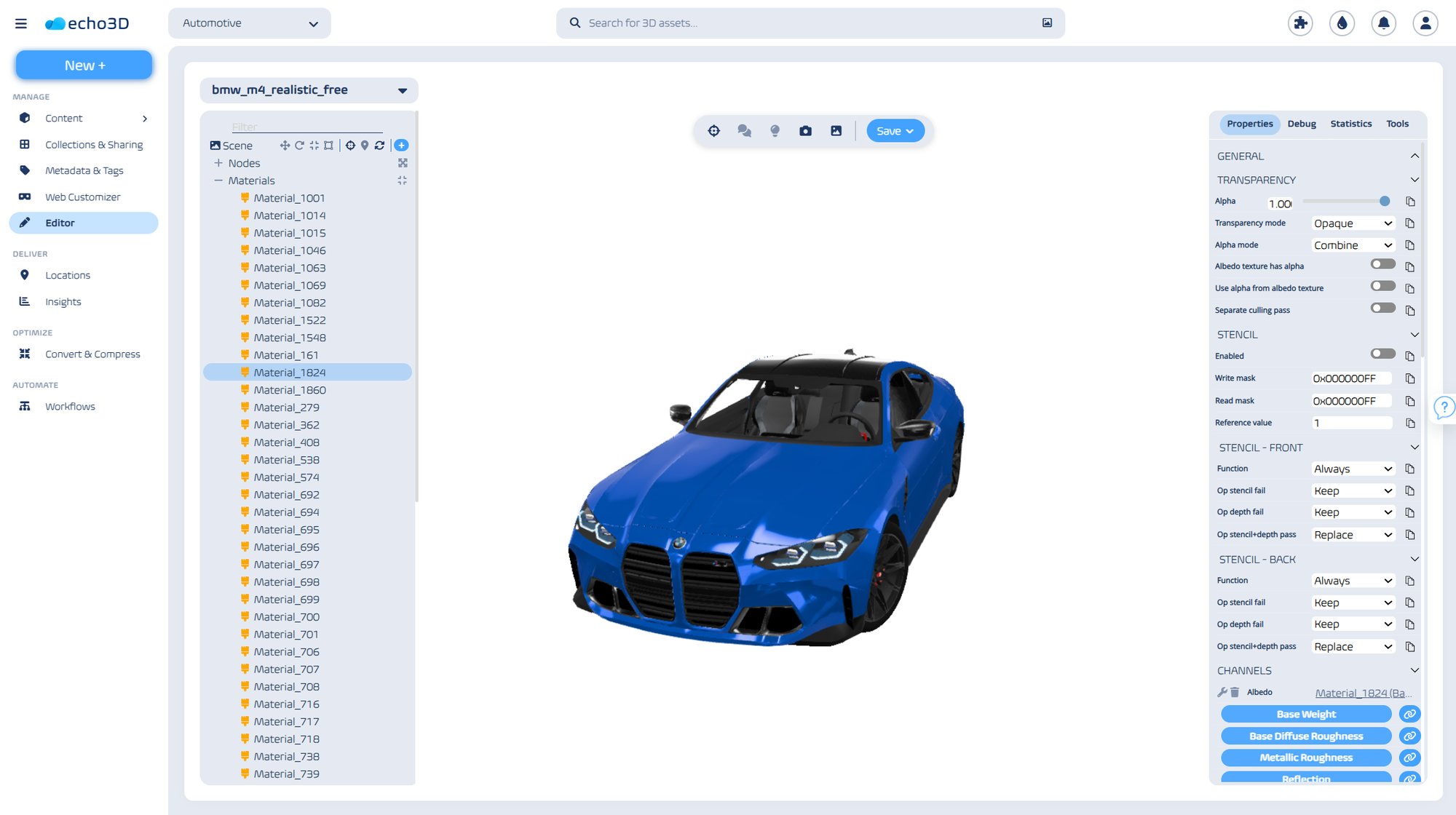
- Manufacturers: Rapidly prototype and adjust object scales, materials, and animations without having to rebuild and redeploy your entire 3D scene.
- E-Commerce Brands: Keep your product configurators accurate. Update material finishes and colors in seconds so your customers always see the latest variations.
- Industrial & Defense Operations: Maintain accurate digital twins by easily updating the visual state and annotations of your operational models as real-world conditions change.
Ready to Simplify Your 3D Content Management?
Stop letting minor edits bottleneck your production pipeline. Equip your team with the tools to edit, secure, and scale your spatial assets effortlessly.