Store
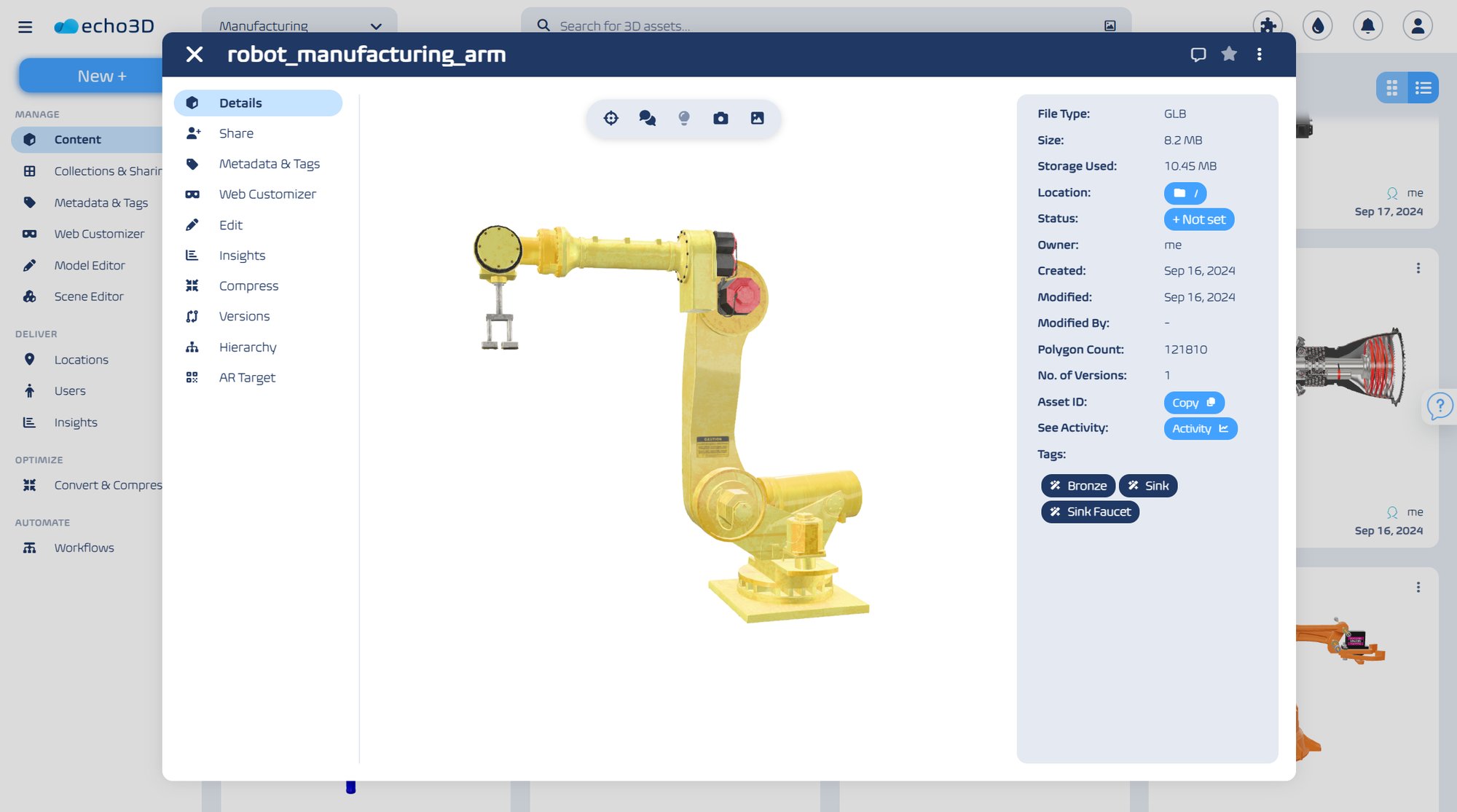
Ingest 3D files of any format or size, interact with content from the browser, and share assets with your collaborators, and between different departments or stakeholders.
Manage, optimize, and share 3D assets and digital twins in one central solution, transforming your CAD workflows with enriched data.
Most manufacturers aren’t struggling to build aftermarket parts catalogs because they lack CAD data. They struggle because the rich knowledge locked inside their engineering systems never actually reaches their aftermarket teams—the very people responsible for sales, service, and parts identification.
Engineering teams design incredibly complex products using CAD, managing them in PLM systems optimized for strict manufacturing accuracy. The bottleneck happens downstream. As rich CAD data moves into aftermarket workflows, it is routinely degraded. It gets:
By the time service, sales, or support teams get their hands on it, the intelligence embedded within the original CAD file is entirely gone.
When CAD data isn't operationalized for aftermarket teams, organizations are forced to compensate with human effort. Support reps have to memorize massive assemblies. Veteran technicians rely on gut instinct to know which parts "usually" fail. Sales teams are trapped in endless phone and email chains just to verify a single part number. This reliance on team knowledge creates severe operational drag:
As products become more modular, highly configurable, and frequently updated, static PDFs simply cannot keep up. Every product update creates tedious rework, and every exception turns into a lengthy support call.
Operationalizing CAD doesn’t mean forcing your aftermarket teams to learn complex engineering software. It means taking that heavy engineering data and making it lightweight, accessible, and interactive.
This is exactly where echo3D comes in. Because echo3D seamlessly supports CAD files, it helps manufacturers completely eliminate the broken handoff. Instead of flattening 3D models into 2D PDFs, manufacturers can use echo3D to manage, optimize, and stream their original CAD assets directly into the hands of non-technical teams.
By running CAD files through echo3D, manufacturers can:
When interactive 3D is combined with structured parts data, parts identification transforms from a person-dependent guessing game into a system-driven science.
By leveraging platforms like echo3D to power these experiences, manufacturers achieve measurable results:
Ultimately, fixing the CAD-to-aftermarket handoff allows operations to scale effortlessly, without constantly needing to add headcount.
To see real-world examples and dive deeper into how manufacturers are leveraging 3D to eliminate parts identification bottlenecks, watch the full webinar recording:
Ingest 3D files of any format or size, interact with content from the browser, and share assets with your collaborators, and between different departments or stakeholders.
Set roles, access permissions, and user groups in your 3D library to securely share 3D content. Leave comments, get notifications, track changes, review activity, and more.
Compress assets and digital twins, reduce their size, and convert 3D models, images, and videos to and from different file formats, with echo3D's proprietary 3D optimization.
Add metadata, tags, and associated files, to your 3D files for better indexing. Control who and how metadata and tags are saved, and benefit from AI-powered tagging.
Filter across collection and leverage advanced search and filtering capabilities to quickly find specific 3D assets, by searching by text, image or other 3D files.
Transform 3D models and edit textures, color, lighting settings, and more. Structure 3D scenes, and merge assets together. Create new versions and track changes made to 3D assets.
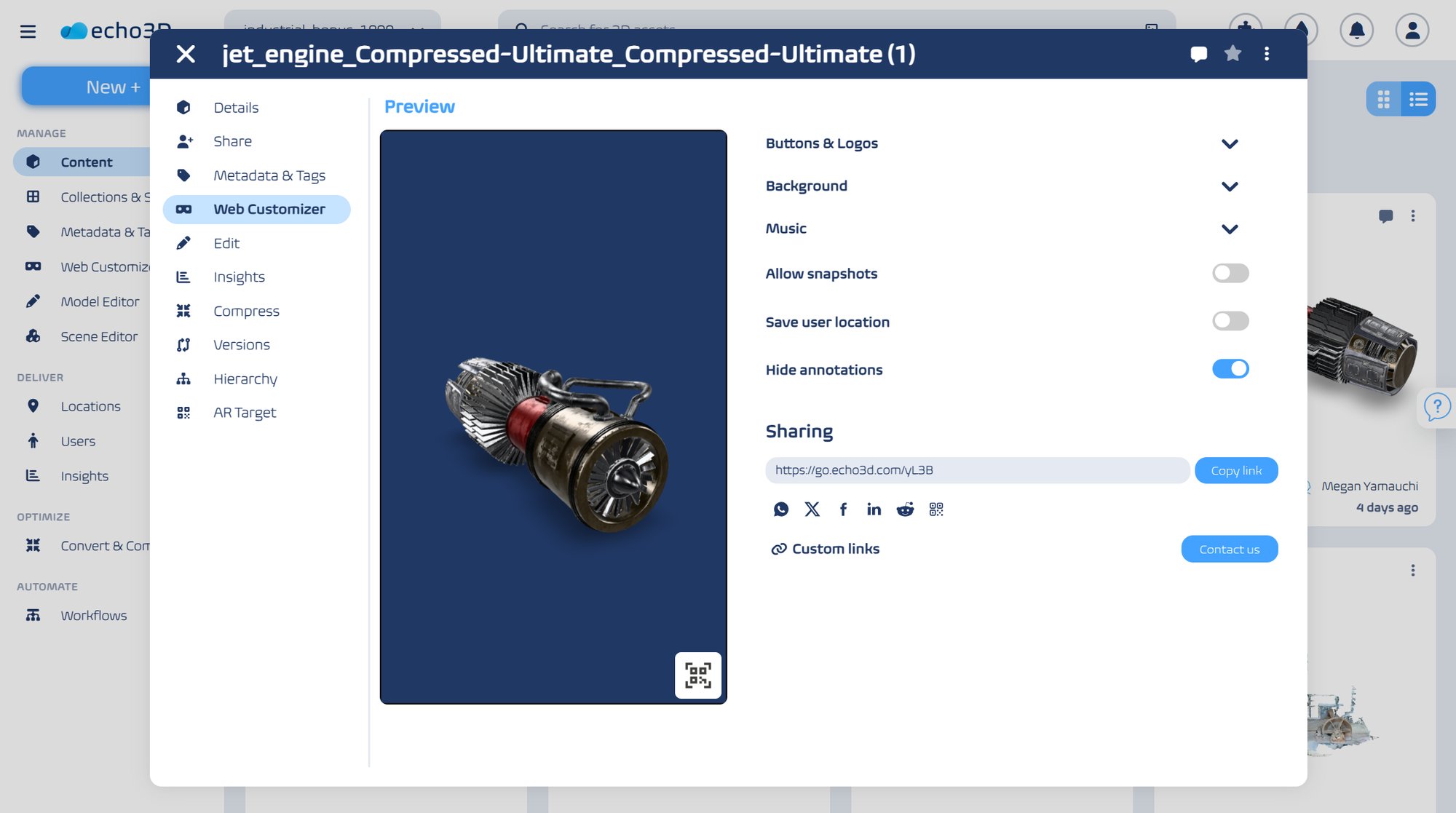
All features of the platform are available through API queries, allowing for easy integration with your existing cloud environment and 3D tools (we also offer built-in plugins for Unity, Unreal, Blender, and more).
Deploy our platform on your company's AWS, GCP, or Azure cloud infrastructure. The data never leaves your company.
View and share massive 3D files and scans thanks to our proprietary 3D optimization algorithm, outperforming market standard compression tools by more than 10x.
Discover more features of echo3D's 3D Digital Asset Management Solution, enabling rapid 3D design iterations, detailed 3D asset documentation, and seamless export of 3D models to 3D and CAD software for integration into existing workflows.